Captions that follow every word
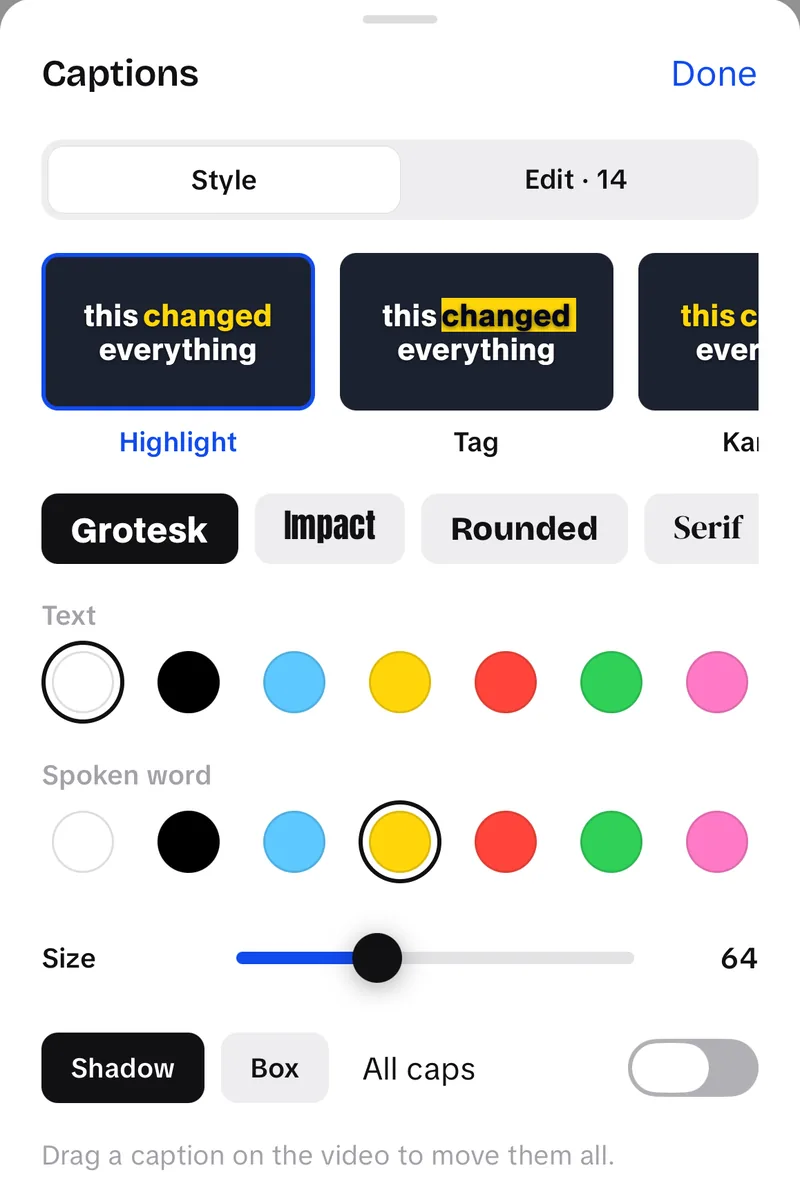
Auto captions transcribe your clips with word timings. Pick a style (Highlight, Karaoke, One word, Tag or Plain) and a font, and the words light up as you say them.
 Teleprompter
 Script template builder
 Hook library
 Filler word counter
 Auto caption generator
 Text to speech
 AI hook generator
 AI caption writer
 AI hashtag finder
 Video ideas
 Bio ideas
 TikTok captions
 Instagram captions
 YouTube hashtags
 Safe Zone Checker
 TikTok safe zone checker
 Reels safe zone checker
 Story safe zone checker
 Shorts safe zone checker
 Ratio calculator
 TikTok dimensions
 Reels dimensions
 Shorts dimensions
 9:16 pixel sizes
 Posting times, all platforms
 TikTok posting times
 Instagram posting times
 YouTube posting times
 Facebook posting times
 Portfolio builder
 Media kit builder
 Contract builder
 Pitch email builder
 UGC pricing calculator
 TikTok Shop earnings calculator
 Creator Rewards calculator
 Brief builderAll free tools →
UGCLive is an AI video editor for iPhone. It cuts your pauses and retakes, captions every word, writes your hooks, made for TikTok, Instagram and YouTube.
Coming soon to iPhone · Starter is free
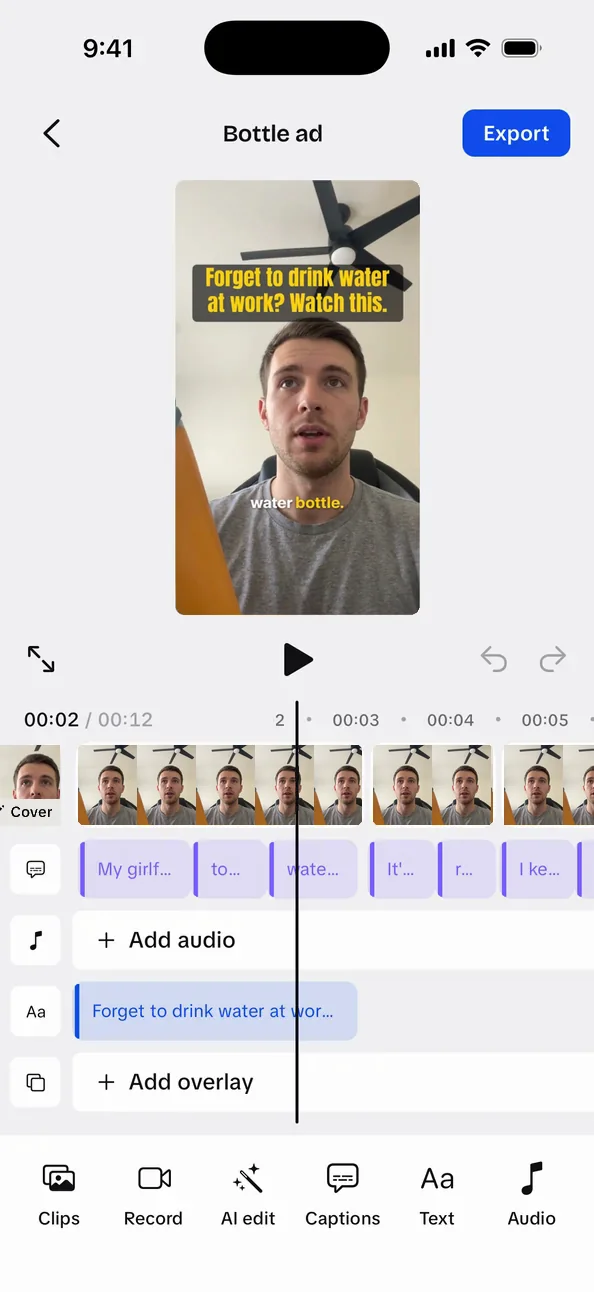
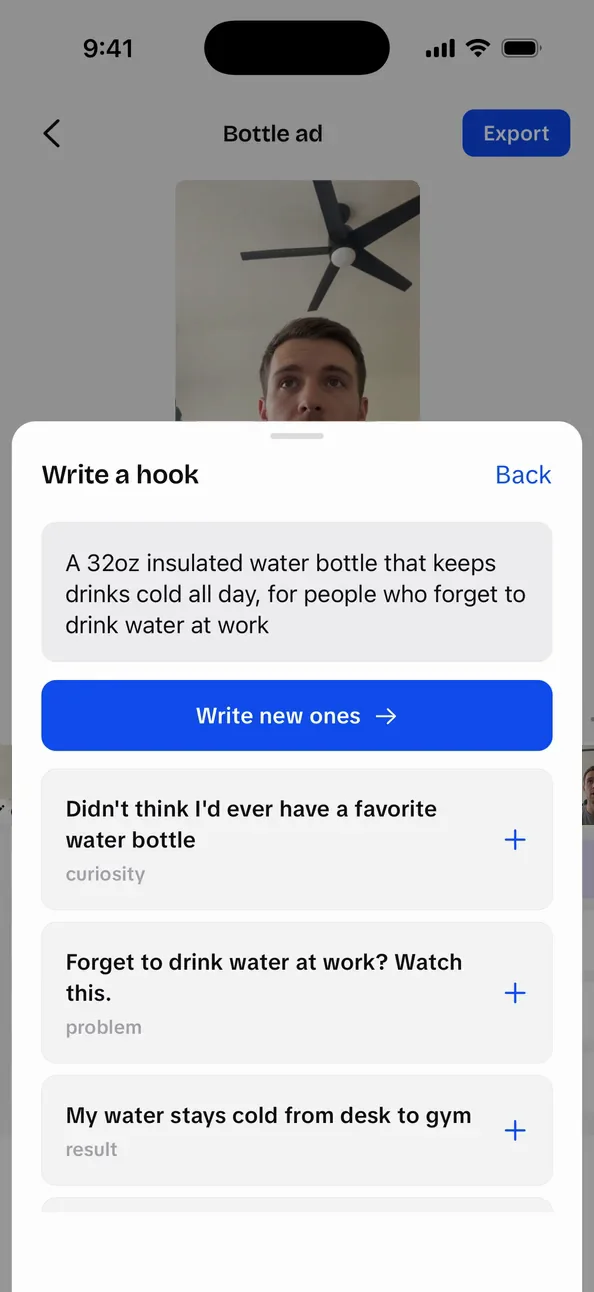
Record with your script in front of you, let AI make the first cut, then post.
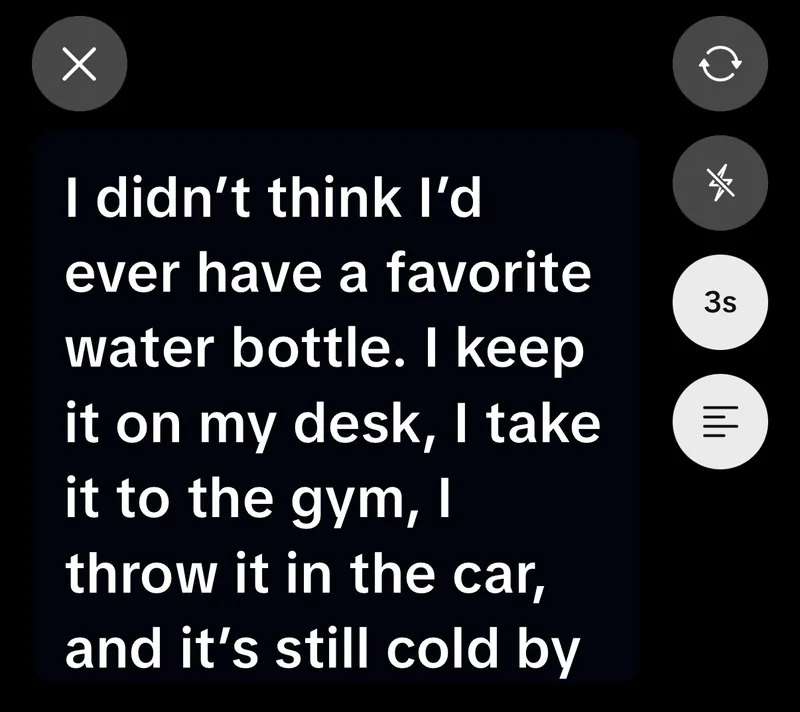
Your script scrolls at your speed while you film in 1080p. Do as many takes as you need; the script holds its place between them.
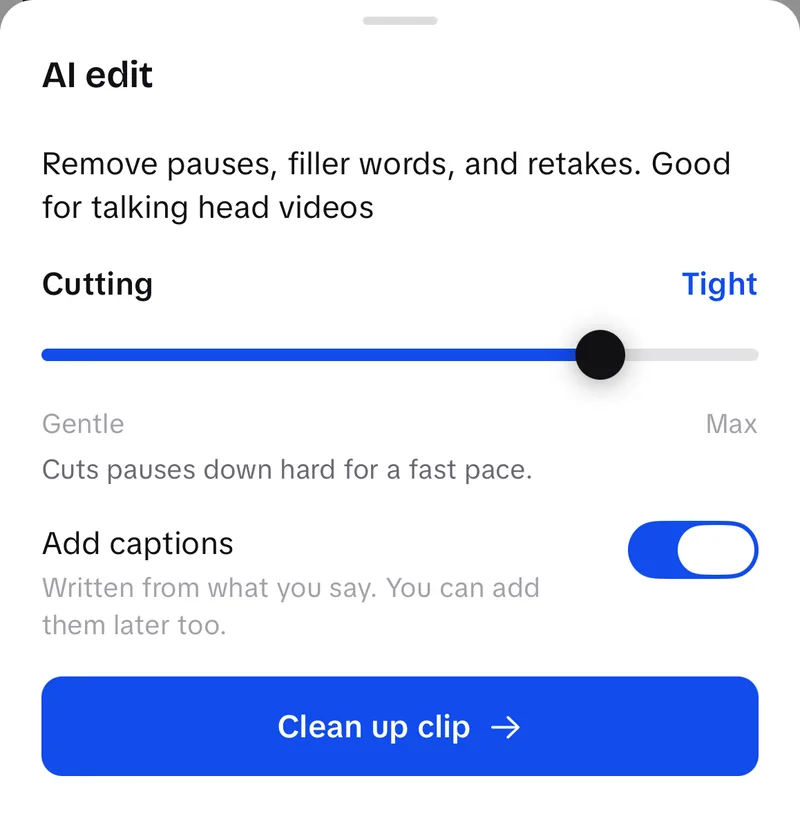
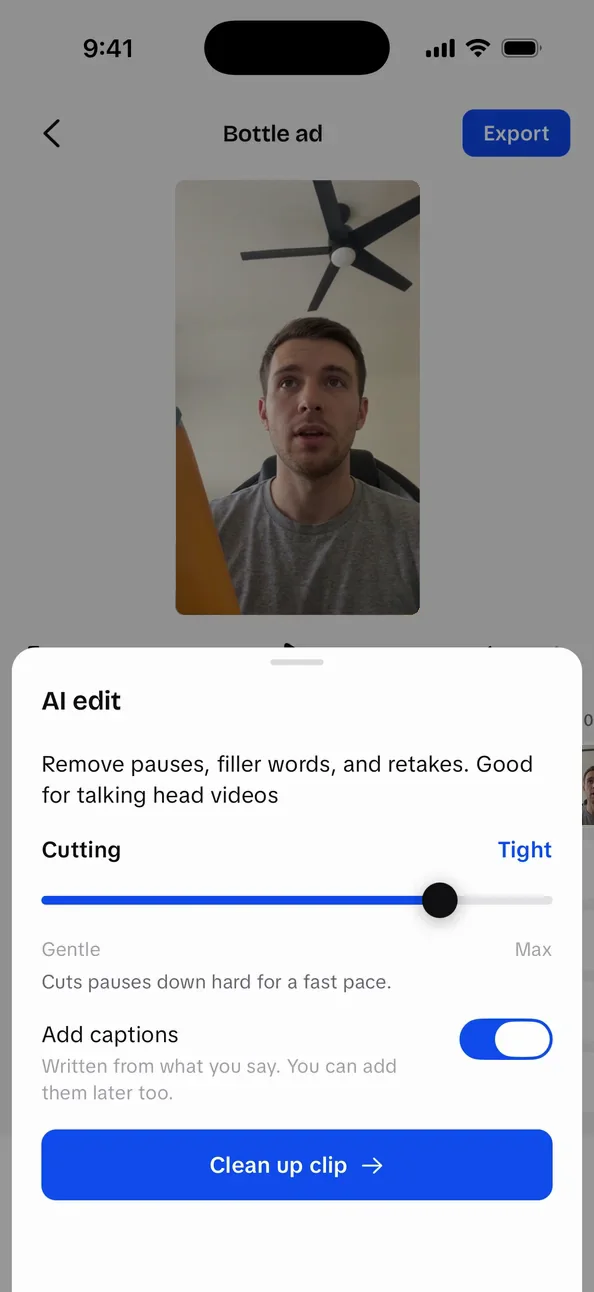
AI edit cuts the pauses, filler words and retakes out of your talking-head clip. Set how hard it cuts, then fine-tune on the timeline.
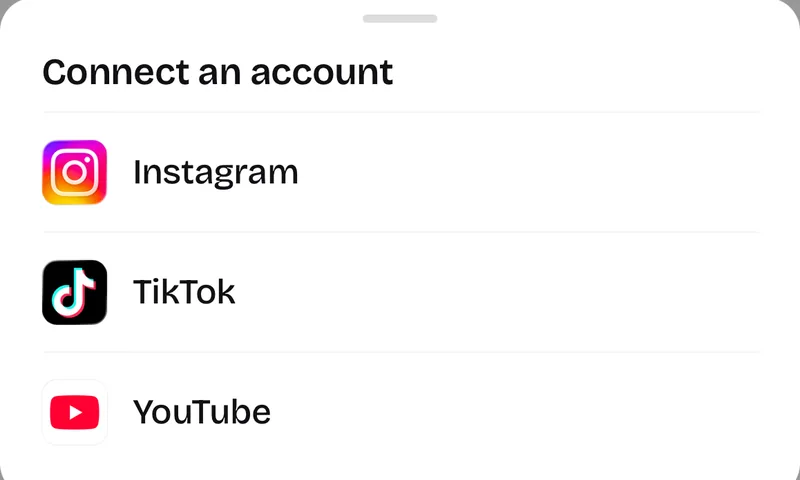
Connect TikTok, Instagram and YouTube, then post right away or pick a time, with your cover frame as the thumbnail. Posting is built and in testing before launch.
The parts of a UGC ad that take the longest, done in the app.
Auto captions transcribe your clips with word timings. Pick a style (Highlight, Karaoke, One word, Tag or Plain) and a font, and the words light up as you say them.

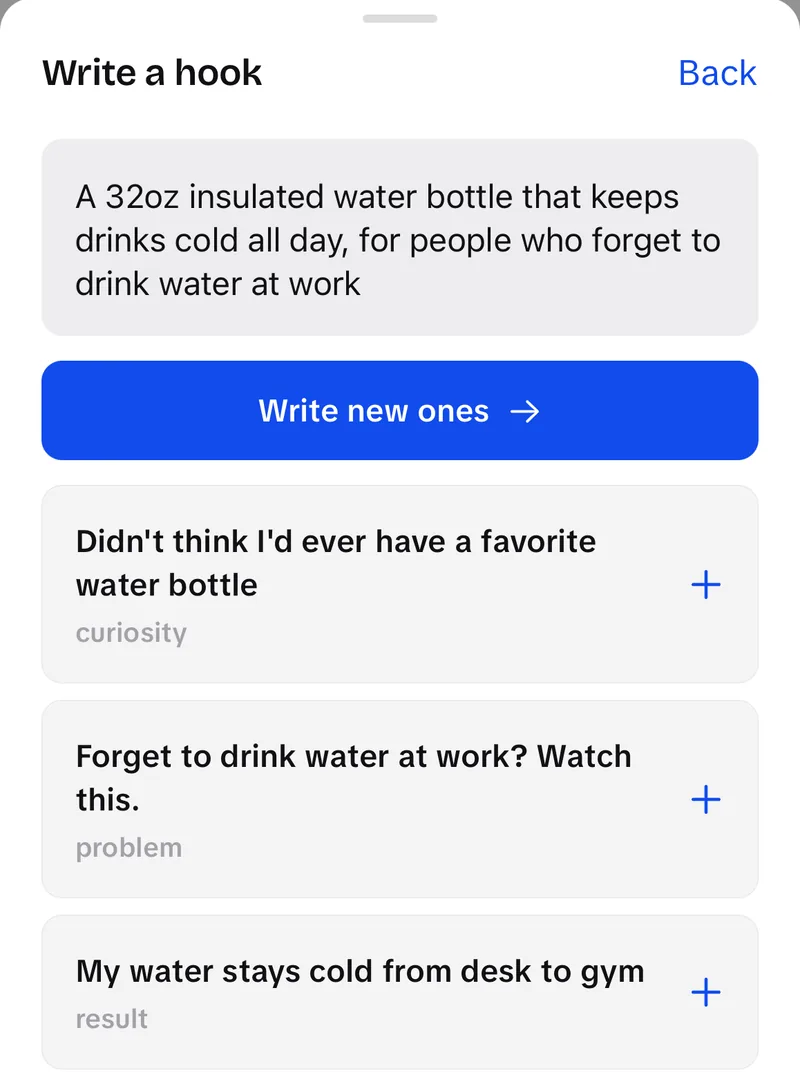
Say what you're selling and who it's for. UGCLive writes opening lines from six angles, and Export renders A, B and C versions from one edit so you can test which hook holds.

Add your product shots and UGCLive finds their best moments, then lays them over the lines that mention them, or cuts them into a quick montage. In testing before launch.

Record a 30-second sample once, with your consent. Then type a script and get it back spoken in your voice, ready to drop on the timeline. In testing before launch.
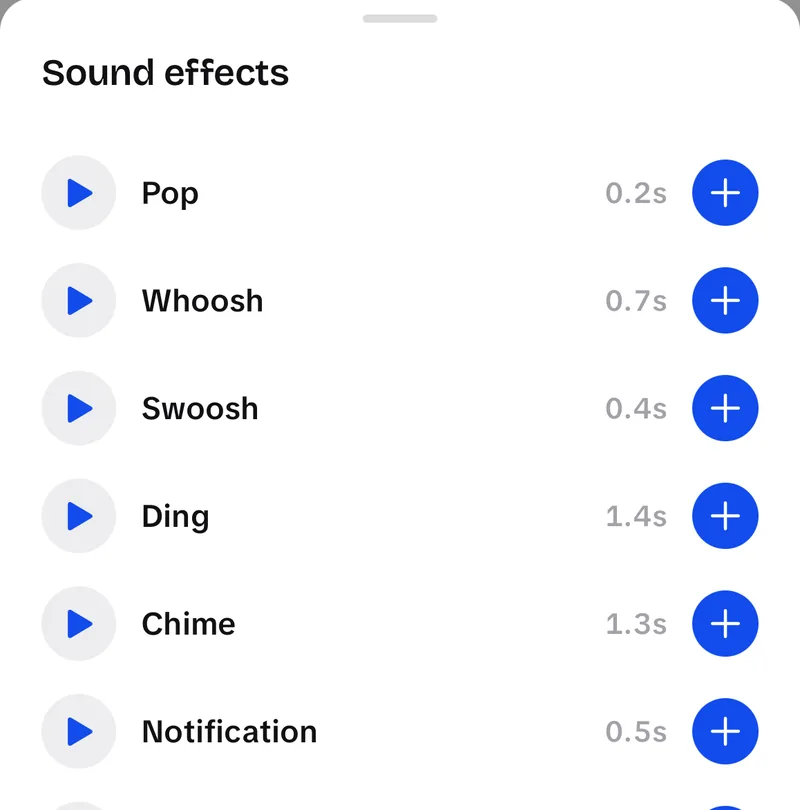
Music fades in and out and drops under your voice on its own. Add sound effects, stickers and emoji from the built-in library.
Plan, script and check your videos in the browser. No account needed.
TeleprompterA free online teleprompter that runs in your browser. Paste your script, pick a reading speed and press Start. No sign-up, and your script stays on your device.Safe Zone CheckerSafe zone checker for TikTok, Instagram Reels, Instagram Stories and YouTube Shorts: drop in a vertical video or image and see what each app's buttons and captions cover.Ratio calculatorAspect ratio calculator for video and photos: type a size or a ratio, get the missing side, and see how a clip crops into another shape.Portfolio builderA free UGC portfolio template you fill in on this page: add your bio, sample videos and rates, pick a layout and download it as a PDF or PNG. Nothing is uploaded.Posting times, all platformsBest time to post on social media, platform by platform: where the published studies meet on each weekday, which days they split on, and today's windows in your own time.UGC pricing calculatorWork out UGC rates for a brief: pick your experience, the videos, hooks and photos, and the usage rights the brand wants, then copy a line-item quote. Every default comes from a dated, published rate guide.TikTok Shop earnings calculatorEstimate your TikTok Shop earnings as an affiliate creator or a seller: commission after returns, or profit and margin after TikTok's US referral fee, creator commission, shipping and cost of goods.Creator Rewards calculatorA TikTok Creator Rewards calculator: check whether you can join, then estimate what your qualified views pay at the RPM range creators report. TikTok publishes no fixed rate, so the answer is a range. Referral program
Share your invite link from the app. Your friend gets 50% off the first 3 months of Pro, and you get 20% of what they pay for as long as they subscribe.
Start free. Upgrade when you're posting every week.

Try the editor on your next video.
Free · No card needed
Upgrade any time

For creators doing UGC every week.
$156 billed yearly
Save $72 a year

For full-time creators and small teams.
$408 billed yearly
Save $180 a year
Subscriptions are billed by Apple through the App Store. Cancel any time in your iPhone's Settings.
 FAQ
FAQAn AI video editor for iPhone made for UGC creators. Record with the teleprompter or import clips, let AI edit cut the pauses and retakes, add word-timed captions and a hook, then post or schedule to TikTok, Instagram and YouTube.
UGCLive is coming soon to iPhone. Join the waitlist and we'll email you when it's on the App Store.
Starter is free. Pro is $19 a month, or $13 a month billed yearly. Studio is $49 a month, or $34 a month billed yearly. You subscribe in the app through the App Store.
It transcribes your talking-head clip and cuts long pauses, filler words like “um”, and retakes where you said a line twice, keeping the last take. A Cutting slider sets how tight the edit is, and every cut stays editable on the timeline.
Yes. Videos export at 1080×1920 for TikTok, Instagram Reels and YouTube Shorts, and hooks are written from your product brief. Product links are added in TikTok itself.
That's built in: connect your TikTok, Instagram and YouTube accounts, then post right away or schedule a time, and cancel a scheduled post before it goes out. Posting is in testing now; we'll confirm it with each platform before launch.
You record a 30-second sample and confirm it's your voice and you agree to it being cloned. After that, scripts you type come back spoken in your voice. You can delete the voice at any time.
No. AI edit does the first pass, and the timeline handles the rest: trim, split, speed, zoom, crop, text, stickers and music.
Every account has an invite link. A friend who joins with it gets 50% off the first 3 months of Pro, and you earn 20% of what they pay, after Apple's cut and tax, for as long as they subscribe. Earnings clear after 30 days and are paid out through Stripe once you reach $25.
Not yet. UGCLive is iPhone only for now.
Still have questions?Email us
 UGCLive for iPhone
Record, cut, caption and post from one app.
Join the waitlist